
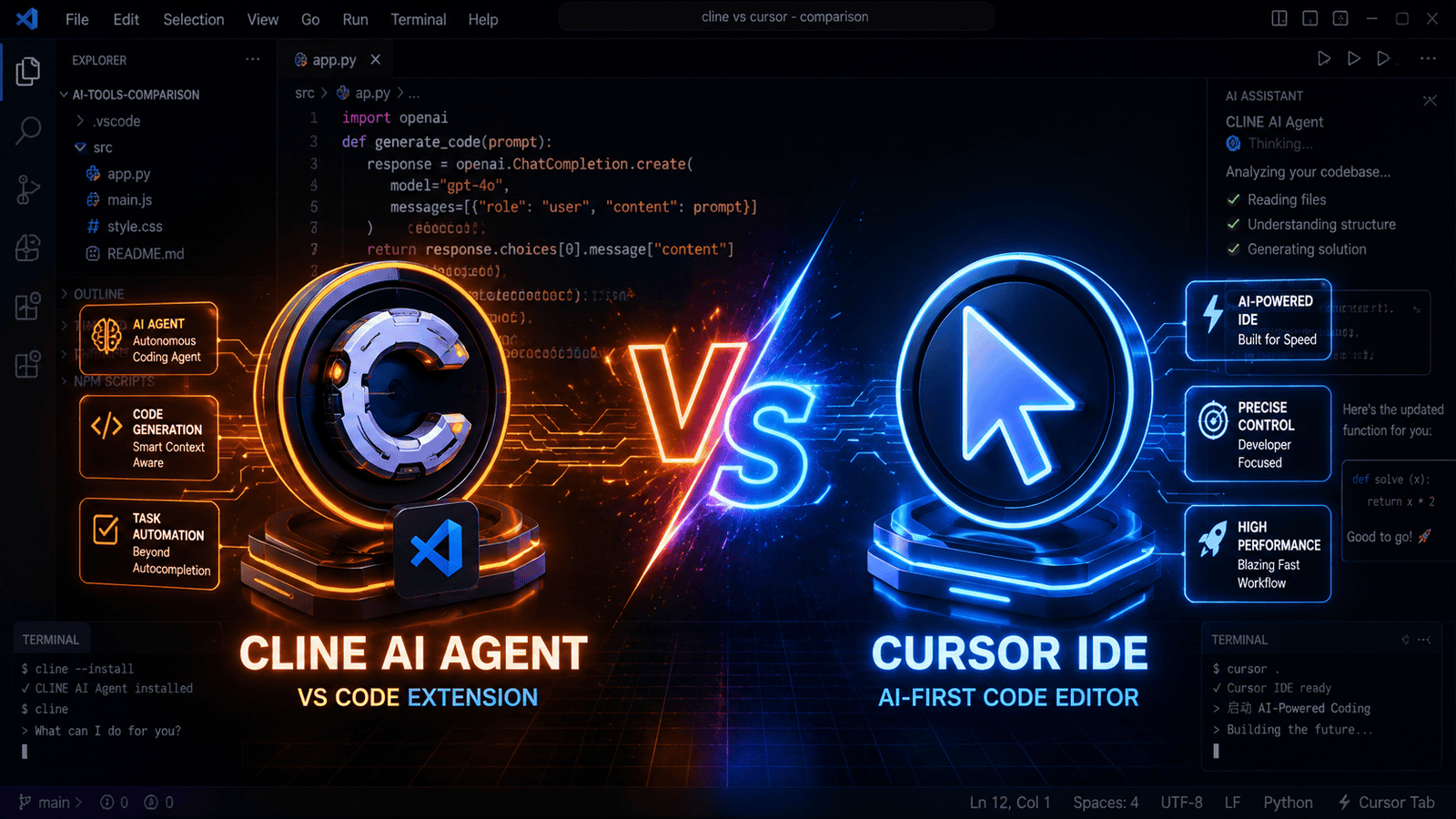
Quick Summary: Agar aapko full control aur open-source freedom chahiye toh Cline best hai; agar speed aur hassle-free experience chahiye toh Cursor IDE best hai. Yeh guide developers, students, aur freelancers ke liye hai — 2 minute mein aapko clear pata chal jayega ki kaunsa AI coding agent aapke liye sahi hai, features, pricing aur real-world use-cases ke saath.
Last Updated: August 17, 2026. Yeh comparison dono tools ki official pricing pages, changelogs, aur real-world developer reviews ke basis par likha gaya hai.
Quick Comparison: Cline vs Cursor IDE At a Glance
| Aap Kya Chahte Hain | Best Choice |
|---|---|
| Free, open-source aur full control | Cline ✅ |
| Instant setup, sabse fast tab completions | Cursor IDE ✅ |
| Apni khud ki API key use karni hai (BYOK) | Cline ✅ |
| Beginner-friendly, koi configuration nahi | Cursor IDE ✅ |
Key Takeaways
- Cline ek free, open-source VS Code extension hai jo Plan Mode aur Act Mode ke through autonomous coding karta hai.
- Cursor ek standalone AI-first code editor hai jisme super-fast tab completions aur multi-file editing built-in hai.
- Cline mein BYOK (Bring Your Own Key) milta hai, isliye API cost khud control kar sakte hain.
- Cursor ka Pro plan $20/month se shuru hota hai aur setup mein API key ki zaroorat nahi.
- Dono tools MCP (Model Context Protocol) support karte hain, lekin implementation alag hai.
Yeh guide un developers, students, aur freelancers ke liye hai jo apne coding workflow mein sahi AI coding agent choose karna chahte hain. Neeche aapko dono tools ka detailed, hands-on comparison milega — features, pricing, aur real use-cases ke saath — taaki aap 2 minute mein decide kar sakein ki Cline ya Cursor IDE aapke liye better hai.
Cline vs Cursor IDE: Yeh Comparison Kyun Zaroori Hai?
2026 mein AI coding assistants ka market bahut crowded ho gaya hai, aur developers ke paas confusion rehta hai ki kaunsa tool unki workflow ke liye sahi hai. Cline aur Cursor IDE dono top choices hain, lekin dono ka approach bilkul different hai — ek open-source aur flexible hai, doosra polished aur speed-focused.
Yeh guide is AI agents kaise kaam karte hain is broader samajh ke saath, aapko practical, first-hand comparison deta hai — taaki aap galat tool choose karke time aur money waste na karein.
Cline AI Agent Kya Hai?
Cline (jise pehle Claude Dev bhi kaha jata tha) ek open-source AI coding agent hai jo sirf code autocomplete nahi karta, balki ek poore autonomous AI agent ki tarah kaam karta hai. Shuruaat mein yeh sirf VS Code extension tha, lekin 2026 mein Cline ab VS Code, JetBrains, Cursor, Windsurf, Zed, Neovim, aur ek CLI tool ke through bhi available hai — matlab aap ise apne pasandida editor mein use kar sakte hain.
Cline Apache 2.0 license ke saath open-source hai, 5 million+ installs aur 62,000+ GitHub stars ke saath — aur 30+ LLM providers support karta hai.
Jab aap Cline ko koi task dete hain, toh yeh do main modes mein kaam karta hai:
Plan Mode
Cline aapke poore codebase ko analyze karta hai, sawaal poochta hai aur bina file ko touch kiye ek step-by-step plan banata hai. Isse aapko poora control milta hai ki kya change hone wala hai.
Act Mode
Plan approve hone ke baad, yeh khud files create karta hai, code edit karta hai aur terminal commands run karke error fix karta hai.
Cline Ka Sabse Bada Fayda: BYOK (Bring Your Own Key)
Aap apni marzi ka AI model use kar sakte hain — jaise:
- Anthropic Claude (latest Sonnet models)
- OpenAI GPT models
- Google Gemini models
- Local models (Ollama ke through)
- 30+ doosre LLM providers
2026 mein Cline ke naye features bhi add hue hain — MCP Marketplace (databases, tools easily plug karo), .clinerules (version-controlled coding standards), aur Computer Use (agent apna UI work khud browser mein verify kar sakta hai).
Iska matlab aap API cost ko khud optimize kar sakte hain. Agar aap free AI tools ke baare mein aur jaanna chahte hain, toh hamara Best Free AI Tools 2026 Guide zaroor padhein.

Cursor IDE Kya Hai?
Cursor ek standalone AI-first code editor hai jo VS Code ka fork (modified version) hai. Isme AI ko core level par integrate kiya gaya hai — koi alag extension install karne ki zaroorat nahi.
Cursor Ke Top Features:
- Super-fast Tab Completions: Next lines ko high accuracy se predict karta hai — users apni coding speed mein noticeable improvement report karte hain, khaaskar repetitive code likhte waqt
- Composer Feature: Multi-file edits ek hi prompt se
- Built-in AI Chat: Code ke andar hi AI se baat karein
- No API Key Needed: Apna subscription model — sab frontier models ek jagah

Cline vs Cursor IDE: Full Comparison
| Feature | Cline AI Agent | Cursor IDE |
|---|---|---|
| Type | VS Code, JetBrains, Cursor, Windsurf, Zed, Neovim + CLI | Standalone Editor |
| Open Source | ✅ Haan | ❌ Nahi |
| Pricing | Free (API cost alag) | $20/month Pro |
| Setup | API key configure karni padti hai | Instant use — download & start |
| Control | Full (Plan + Act mode) | Speed-first, background edits |
| Tab Completions | Basic | ⚡ Lightning-fast |
| BYOK Support | ✅ Haan | ❌ Nahi |
| VS Code Extensions | ✅ All work | ✅ Most work |
| Best For | Complex multi-step tasks | Daily fast coding |
| MCP Support | ✅ Advanced | ✅ One-click |
Kis Ke Liye Kaunsa Tool Best Hai?
✅ Cline Ko Kyun Chunein? (Pros)
- 100% Open Source — Koi vendor lock-in nahi
- Apni API key use karo — Token cost khud optimize karo
- Plan Mode — Complex tasks ke liye best safety net
- Local models chala sakte hain — Privacy ke liye best
- Community plugins — Unlimited customization
❌ Cline Ke Cons
- API key setup beginners ke liye thoda complicated
- Heavy usage par token cost zyada ho sakti hai — real-world reviews ke mutabik yeh $100+/month tak pahunch sakta hai agar aap daily heavy coding karte hain
- Tab completions Cursor jitne fast nahi
✅ Cursor IDE Ko Kyun Chunein? (Pros)
- Instant setup — Koi API config nahi
- Fastest tab completions market mein
- All-in-one subscription — Sab top models ek jagah
- VS Code ka fork — Extensions easily import karo
- Daily coding speed sabse zyada badhta hai
❌ Cursor Ke Cons
- Standalone editor — Main VS Code chhodna padta hai
- Monthly subscription compulsory
- Credit limit khatam hone par extra cost ya throttling
- Vendor lock-in risk

MCP Ka Role: Model Context Protocol
Dono hi tools Model Context Protocol (MCP) ko support karte hain. Yeh AI ko aapke local tools, databases, aur files se securely connect karne mein madad karta hai.
| Cline MCP | Cursor MCP |
|---|---|
| Advanced & flexible ecosystem | One-click integration |
| Community plugins direct integrate | Recent update mein add hua |
| Custom servers easily ban sakte hain | Setup aur bhi asan ho gaya |
Pro Tip: MCP use karke aap AI ko GitHub, databases, browser, aur local files ke saath connect kar sakte hain. Zyada details ke liye Cursor Official Website visit karein.
Pricing Comparison 2026
Cline AI Agent Cost
- Extension: ₹0 (Free & Open Source)
- API Cost: Pay-as-you-go
- Claude 3.5 Sonnet: ~$3 per 1M tokens
- GPT-4o: ~$5 per 1M tokens
- Local models: ₹0 (GPU cost alag)
Cursor IDE Cost (Credit-Based System)
Cursor ne June 2025 mein apna pura billing model credit-based system mein badal diya — ab har paid plan mein ek fixed dollar credit pool milta hai, jo Auto mode mein unlimited use hota hai, lekin agar aap manually koi specific frontier model (jaise Claude Sonnet ya GPT) select karte hain toh usse credits katne lagte hain.
- Hobby: Free — limited Agent requests aur Tab completions
- Pro: $20/month (~₹1,700) — $20 ka credit pool, unlimited Auto mode
- Pro+: $60/month — 3x usage credits
- Ultra: $200/month — 20x usage, priority features
- Teams: $40/user/month — SSO, admin controls
- Enterprise: Custom pricing — on-prem support, dedicated success manager
Kaunsa Sasta Pada?
Agar aap light user hain toh Cline sasta hai. Agar daily 4-5 ghante coding karte hain toh Cursor ka Pro plan (Auto mode ke saath) better value deta hai — bas manually frontier models select karne se bachein, warna credit pool jaldi khatam ho sakta hai.
Common Mistakes Aur Limitations
- Sirf pricing dekhkar decide karna: Cline ka API cost heavy usage mein Cursor ke fixed $20/month se zyada ho sakta hai — apna usage pattern pehle calculate karein.
- API key security ignore karna: Cline mein BYOK use karte waqt apni API key kabhi bhi public repo ya shared code mein commit na karein.
- Beginner-friendly na hone ka andaza galat lagana: Cline setup thoda technical hai, isliye complete beginners ko pehle Cursor try karna better rahega.
- Rate limits ignore karna: Cursor ke Hobby plan mein limited credits hote hain — heavy daily use ke liye Pro plan zaroori ho sakta hai.
- Dono tools ko same use-case ke liye compare karna: Cline complex automation ke liye hai, Cursor daily fast coding ke liye — inhe alag context mein evaluate karein.
FAQs: Cline vs Cursor IDE
Q1. Kya Cline poori tarah se free hai?
Haan, Cline extension bilkul free aur open-source hai. Lekin backend par jo AI model (Anthropic Claude ya OpenAI) ki API key use hoti hai, uske token usage ke paise aapko direct model provider ko dene padte hain.
Q2. Kya Cursor IDE mein VS Code ki sari extensions kaam karti hain?
Bilkul! Kyunki Cursor VS Code ka fork hai, isliye aap VS Code marketplace ki lagbhag saari themes aur extensions ko yahan easily install aur use kar sakte hain.
Q3. Beginners ke liye kaunsa tool sabse asan hai?
Cursor IDE zyada asan hai kyunki isme koi API key configure karne ki zaroorat nahi. Aap download karo aur seedha AI ke sath chat karke coding start kar sakte hain.
Q4. Kya Cline mein tab completions milti hain?
Haan, Cline mein basic tab completions hain lekin Cursor jitni fast aur accurate nahi. Cline ka main focus autonomous task completion par hai.
Q5. Kya main Cline aur Cursor dono ek saath use kar sakta hoon?
Bilkul! Aap Cursor apne main editor ke taur par aur Cline VS Code mein complex automation tasks ke liye dono use kar sakte hain.
Q6. Cline vs Cursor mein se kaunsa AI agent zyada powerful hai?
Cline complex multi-step autonomous tasks mein zyada powerful hai. Cursor daily coding speed aur inline editing mein zyada powerful hai.
Q7. Kya Cursor IDE India mein available hai?
Haan, Cursor IDE globally available hai aur India se bhi easily download kiya ja sakta hai. Payment international card ya PayPal se hoti hai.
People Also Ask (PAA) — Voice Search Ready
Cline AI agent kya hai?
Cline ek open-source VS Code extension hai jo autonomous AI coding agent ki tarah kaam karta hai. Yeh Plan Mode aur Act Mode mein tasks complete karta hai.
Cursor IDE free hai ya paid?
Cursor IDE ka Hobby plan free hai lekin limited credits ke saath. Pro plan $20/month ka hai jisme unlimited AI features milti hain.
Best AI coding assistant 2026 kaunsa hai?
2026 mein Cursor IDE daily coding ke liye best hai aur Cline complex automation ke liye best hai. Dono apni-apni strength rakhte hain.
Cline mein kaunsa AI model use karoon?
Claude 3.5 Sonnet best balance deta hai speed aur cost ka. GPT-4o best hai complex reasoning ke liye. Local models best hain privacy ke liye.
Conclusion — Cline vs Cursor IDE
| Aapki Need | Best Tool |
|---|---|
| Full control + open source pasand hai | Cline ✅ |
| Apni API keys use karni hai | Cline ✅ |
| Bina jhanjhat fast coding chahiye | Cursor ✅ |
| Daily 8 ghante+ coding karte hain | Cursor ✅ |
| Beginner hain, setup nahi karna | Cursor ✅ |
| Privacy-first local models chahiye | Cline ✅ |
Final Verdict: Dono tools best hain apni-apni jagah. Mera suggestion — Cursor IDE daily coding ke liye aur Cline complex project automation ke liye use karein. Coding ke alawa agar aap apni padhai ya research workflow ke liye AI tools explore karna chahte hain, toh hamara Google NotebookLM Kaise Use Kare guide bhi zaroor padhein.
Related Posts
- AI Agents Kya Hote Hain? 5 Amazing Reasons They Are Better Than Chatbots
- Best Free AI Tools 2026 Guide
- Google NotebookLM Kaise Use Kare
Aapne inme se kaunsa tool try kiya hai? Neeche comment mein zaroor batayein aur apne developer dosto ke saath yeh article share karein!

- DeepSeek-R1 Kya Hai Aur ChatGPT Se Kahan Behtar Hai (Aur Kahan Nahi)? [2026 Update] - October 25, 2026
- ChatGPT vs Gemini vs Claude Hindi Mein: India 2026 Ka Honest Comparison - October 19, 2026
- Manus AI Kaise Use Kare? Beginners Ke Liye Step-by-Step Guide (2026) - October 14, 2026
Pingback: DeepSeek R1 Kya Hai? Easy Guide + ChatGPT Comparison 2026